
Managing a Connection
Click any connector in the list to open it. It has three tabs.
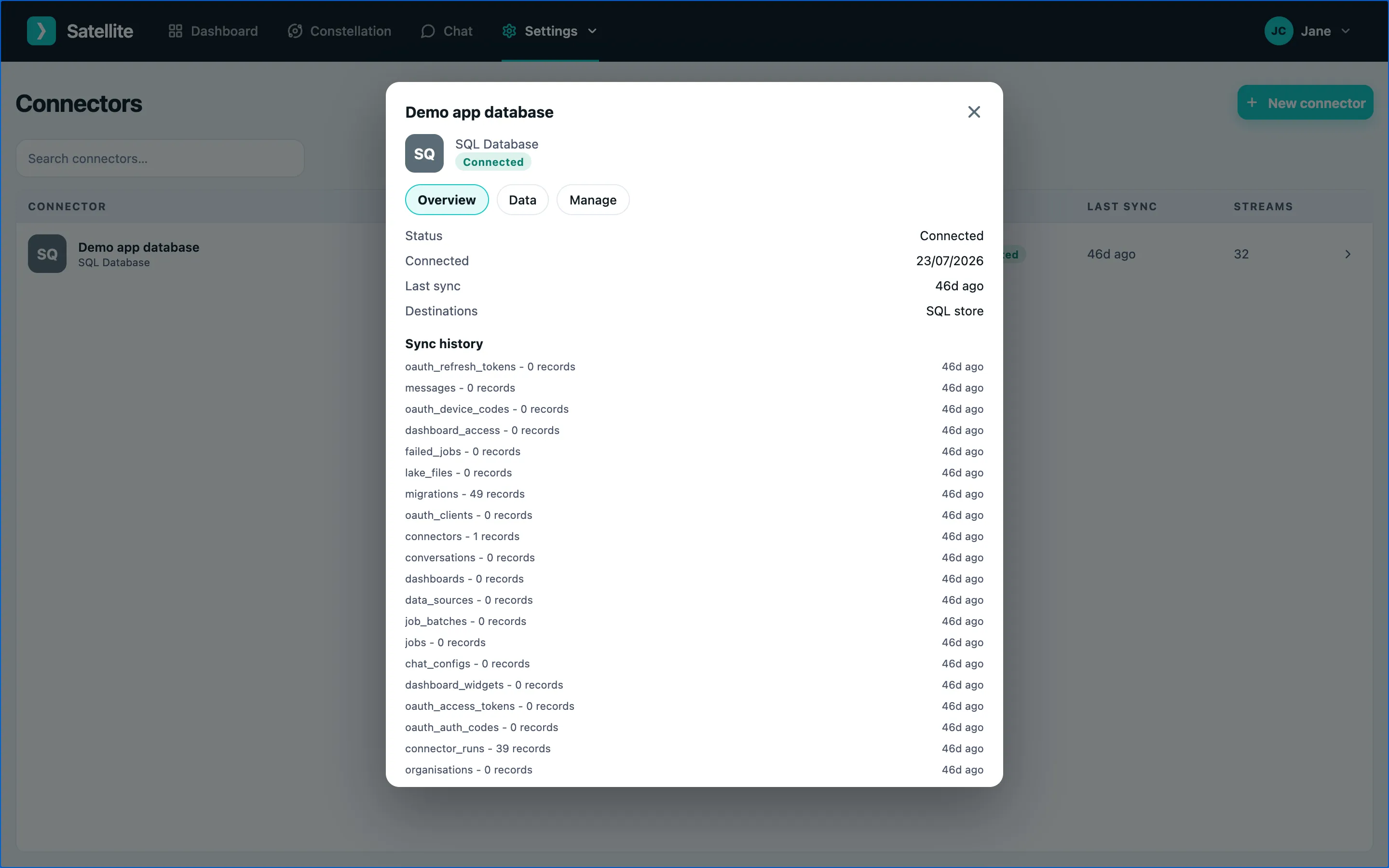
Overview
Section titled “Overview”Status, when it last synced, and each stream it provides with a record count. A connector is one of:
| Status | Meaning |
|---|---|
| Connected | Healthy; syncing on schedule. |
| Syncing | A sync is running now. |
| Needs attention | The last sync failed - usually an expired login. Reconnect from the Manage tab. |
| Disconnected | Syncing stopped; data kept. |
A preview of the records in each stream, so you can check the import looks right.
Manage
Section titled “Manage”- Sync now - refresh immediately instead of waiting for the schedule.
- Reconnect - sign in again if the connection lost its authorisation.
- Disconnect - stop syncing but keep what has been imported.
- Remove data - delete everything imported by this connector. Dashboards and answers that relied on it stop working. This cannot be undone.
Disconnecting and removing data need the admin role.