Sharing a Dashboard
Dashboards are private to you until you share them.
- Open the dashboard and click Share.
- Choose whether to share with a person or a role (sharing with a role covers everyone who holds it, now and later).
- Pick the person or role and the access level:
- Read - they can view it and see refreshed data, but not change it.
- Write - they can also add, edit, move and delete widgets.
- Click Share.
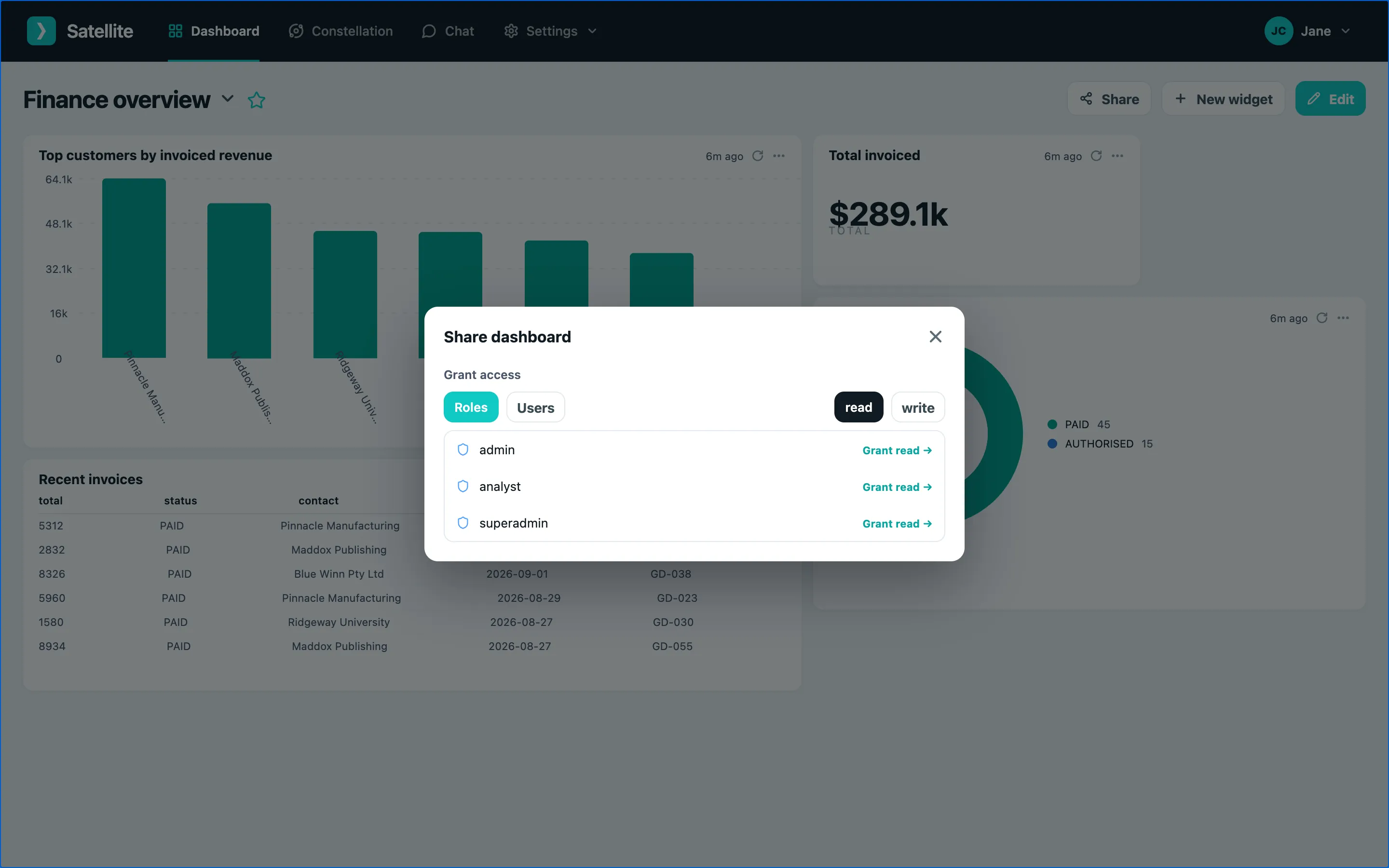
Everyone with access sees the dashboard in their switcher. Remove someone from the same window with the bin icon.