Finding Your Way Around
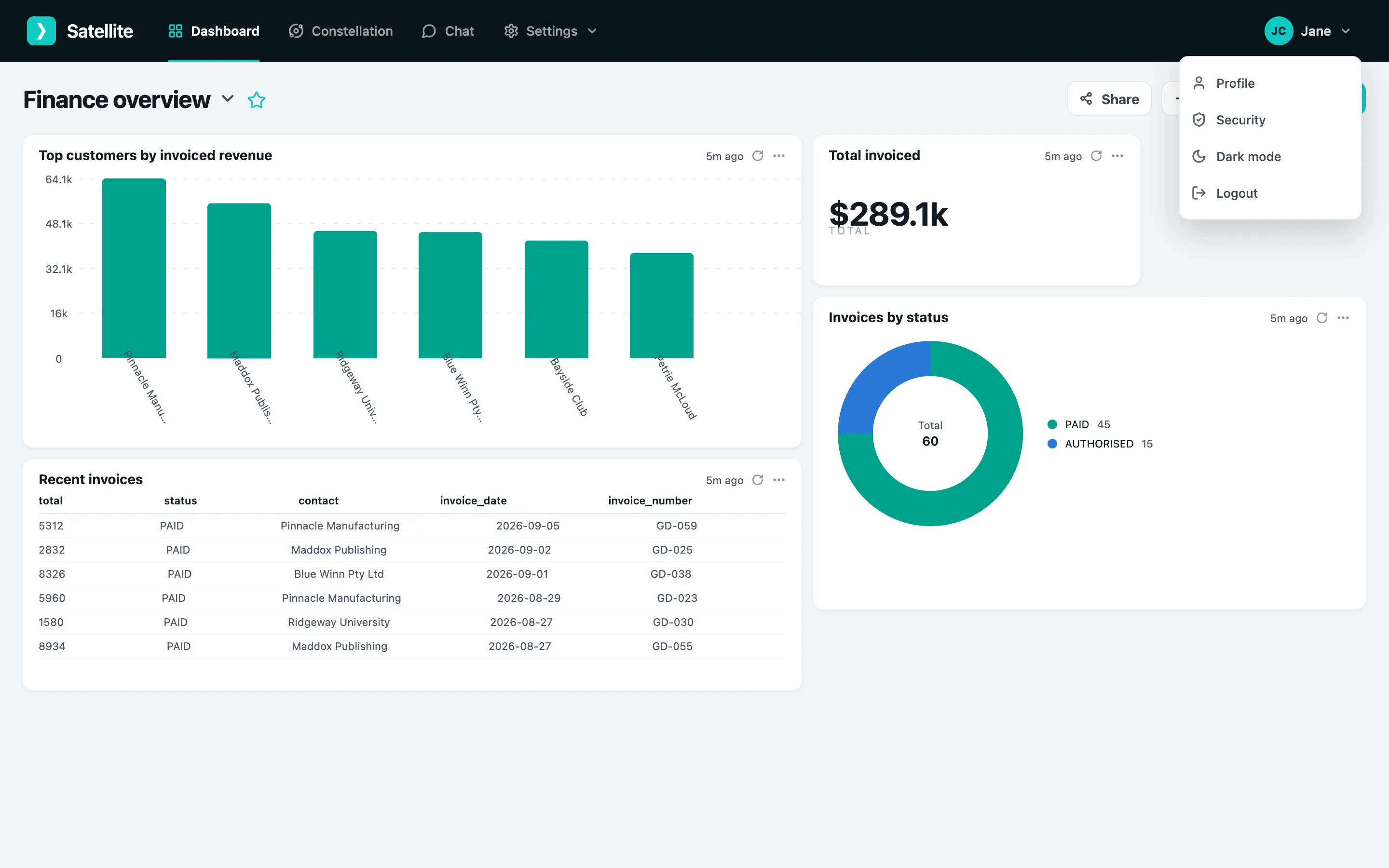
The top bar is the same everywhere:

| Area | What it is for |
|---|---|
| Dashboard | Your saved charts, tables and insights, refreshed automatically. |
| Constellation | A live map of your connected systems and how their data joins up. |
| Chat | Ask questions in plain English; the AI queries your data and answers with tables, charts and maps. |
| Settings | Connections, the AI model, instructions, actions, the data explorer, users and platform branding. Admins only. |
The account menu
Section titled “The account menu”Click your name in the top right for Profile (name, email, avatar, password), Security (two-factor and passkeys), light or dark mode, and Logout.
| Role | Can |
|---|---|
| Analyst (and any other custom role) | Use Chat and dashboards, and see whatever data their role’s permissions allow. No Settings menu. |
| Admin | Everything above, plus every Settings screen: connect data, configure the AI, write instructions, build actions, explore data, manage users and branding. |
| Superadmin | Everything an admin can, plus RoleGuard - creating roles and choosing which data streams each role may see. |
Roles are assigned per user under Settings → Users.