
Logging In
Open your Sprint Satellite address in a browser (for example https://your-company.sprintsatellite.com) and you land on the login screen.
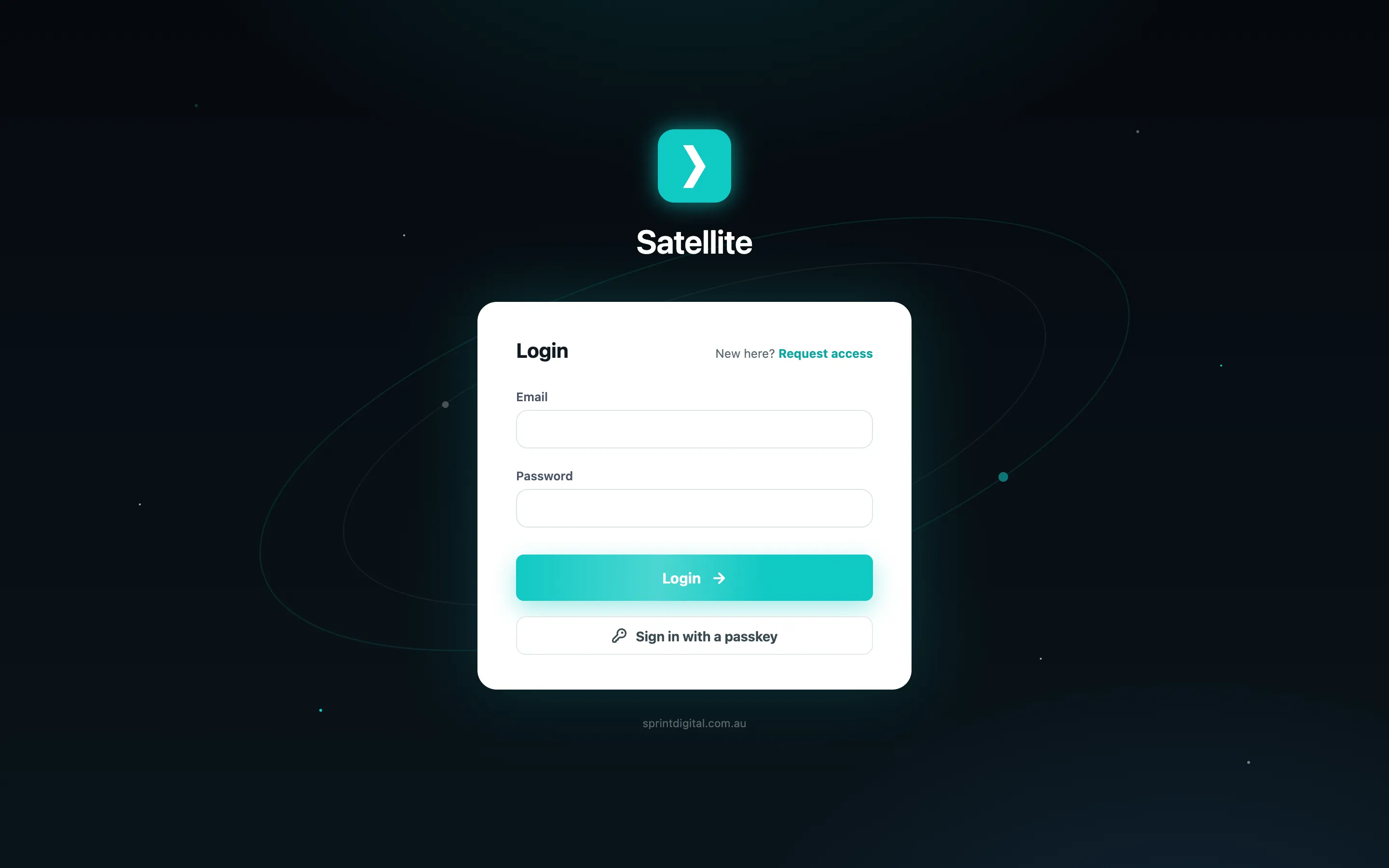
Email and password
Section titled “Email and password”- Enter the email and password you were given by your administrator.
- Click Login.
If your account has two-factor authentication turned on, you are asked for a code next.
The two-factor code
Section titled “The two-factor code”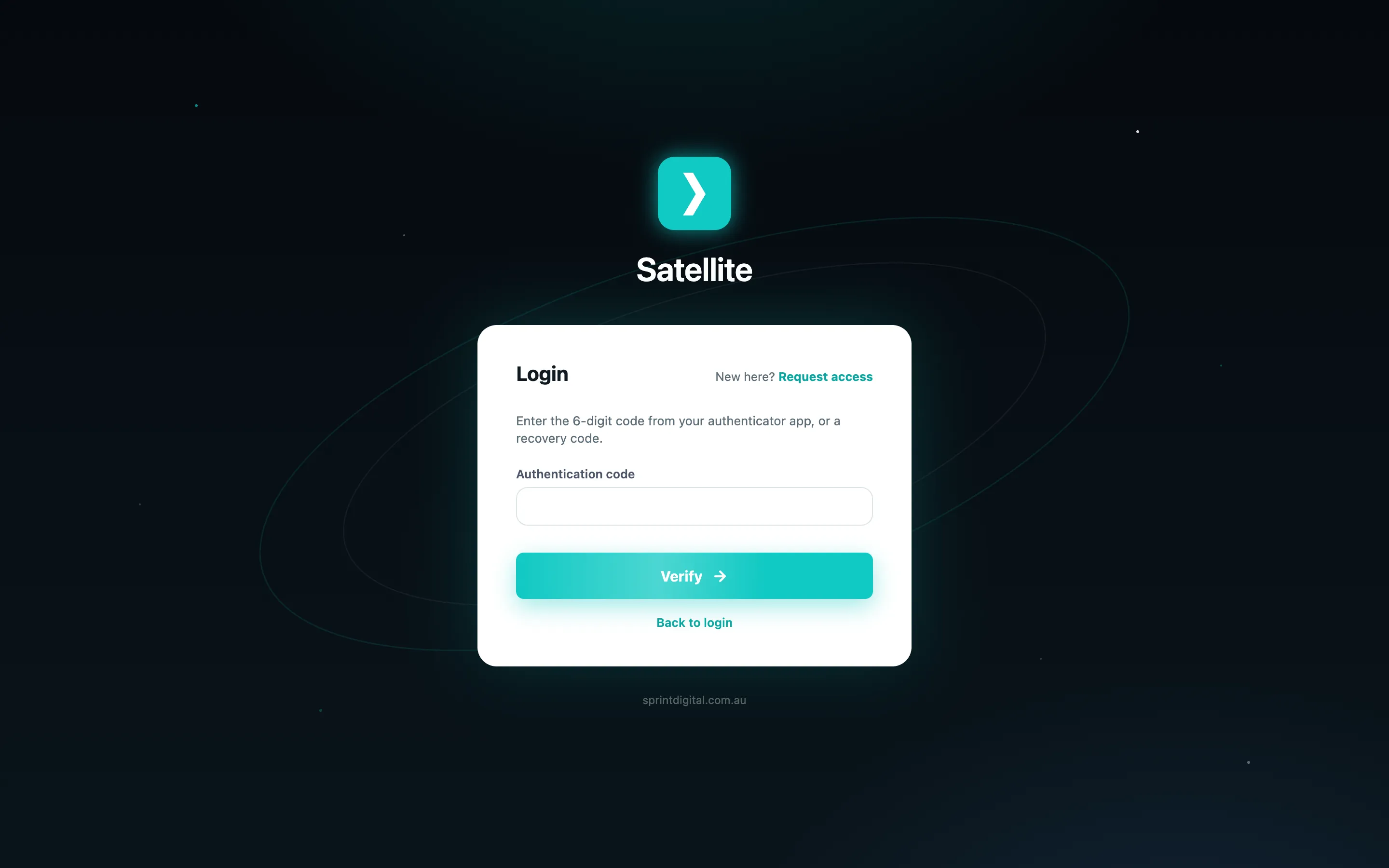
- Open your authenticator app (Google Authenticator, 1Password, Microsoft Authenticator or similar).
- Type the 6-digit code shown for Sprint Satellite.
- Click Verify.
Lost your authenticator? Enter one of the recovery codes you saved when you set up two-factor instead. Each recovery code works once.
Signing in with a passkey
Section titled “Signing in with a passkey”If you have added a passkey to your account you can skip the password entirely:
- Enter your email.
- Click Sign in with a passkey.
- Approve with Face ID, Touch ID, Windows Hello or your security key.
See Securing your account to set up two-factor or a passkey.